Zapier is an integration platform, which is an online service that allows you to connect different apps and web services to each other. You can create automated workflows that retrieve data by specifying a service and trigger and then pass that data on to another service or services. For example you can set up a Zapier flow that, whenever your company’s name is mentioned on X, automatically:Documentation Index
Fetch the complete documentation index at: https://partner-integrations.voyado.com/llms.txt
Use this file to discover all available pages before exploring further.
- posts a message in a Slack channel
- sends a mail to your Marketing department
- calls an API endpoint.
Voyado Engage app for Zapier
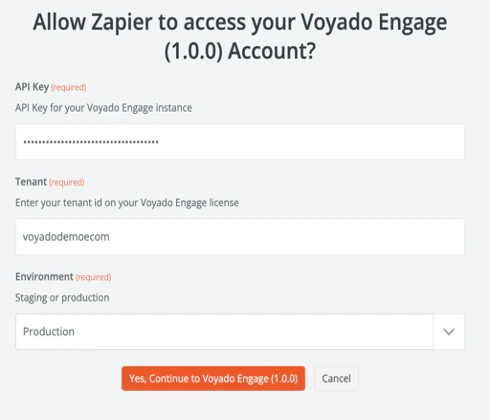
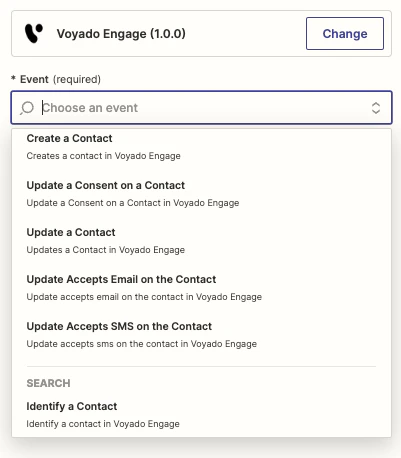
Voyado has developed a custom app in Zapier called “Voyado Engage” which allows you to create flows that leverage some pre-made connections with Engage. To get access to this app, contact your Account Manager. The Voyado Engage app for Zapier allows you to:- Identify a customer
- Create a customer (with 5 custom attributes)
- Update a customer (with 5 custom attributes)
- Trigger a custom trigger (using 10 extra fields and 10 HTML fields)
- Opt in a customer to receive email newsletter and SMS messages
Read more in this downloadable PDF
Example of usage
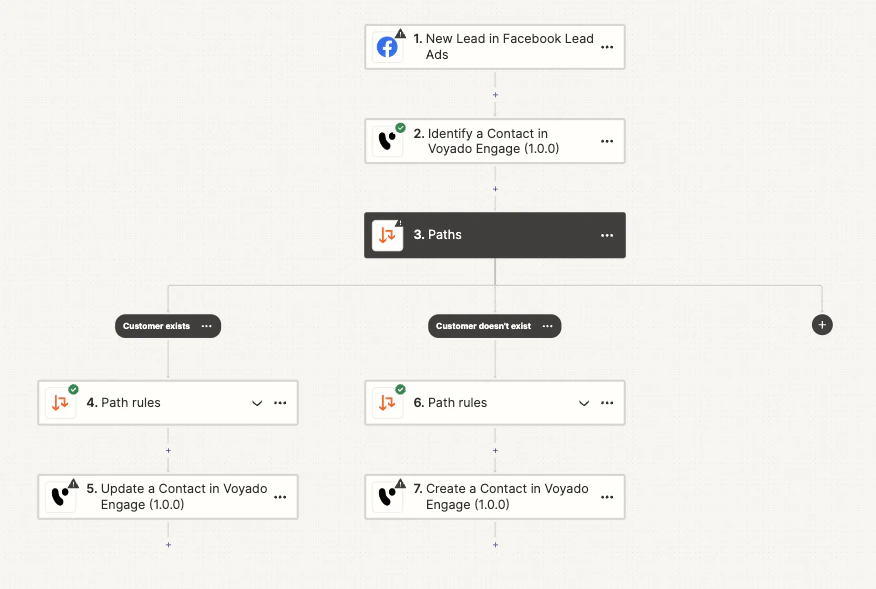
Let’s say the client has Facebook Lead ads. With Zapier, when a lead is captured through Facebook, that info can then be sent to Engage through an API call. In addition to using an app or service as a trigger, Engage can also be triggered by a so-called ‘Catch hook’, which means intercepting an API call that is sent to Zapier. For example, a pop-up on a customer’s website asks the user to enter an email address. Then that email address is captured and send to Engage via the Engage App in Zapier.Setting up a Zapier connection
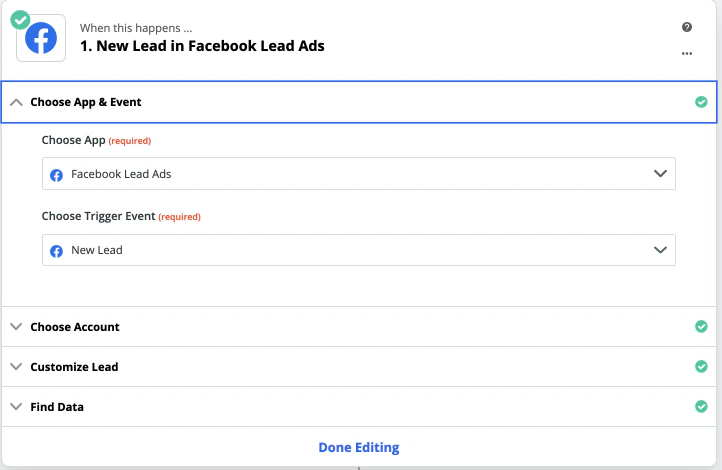
First of all, a trigger is needed, such as the Facebook Lead ads in the previous example: