After setting up your Meta Lead Ads integration in Engage, you’ll want to test that your setup works as expected. You can use Facebook’s built-in Lead Ads Testing Tool to create test submissions that simulate a real lead. This is especially useful before running a live campaign. Before you begin testing, make sure that:Documentation Index
Fetch the complete documentation index at: https://partner-integrations.voyado.com/llms.txt
Use this file to discover all available pages before exploring further.
- Your Facebook Page and Lead Form are already created
- The Meta Lead Ads integration is active in Engage
- You’ve selected the correct Page and Form in the integration setup
- Your Facebook user has the right permissions
1. Open the testing tool
Visit the Lead Ads Testing Tool from Meta here:Show me the Lead Ads Testing Tool
2. Select Facebook Page and Lead Form
From the dropdowns:- Choose the Facebook Page running your lead ad
- Select the form you want to test
3. Create a test lead
Click Create Lead to simulate a new lead submission. This lead will not appear in your Ads Manager or Page Inbox, only through the API integration.4. Verify the lead in Engage
Once created, go back to Engage to verify the lead exists. You can do this in two ways:- By searching directly for the contact in Engage
- Or by looking for them via segmentations using either
customSource: [[name of form]]orsource: Facebook
5. Troubleshooting
If the lead doesn’t appear:- Ensure your Facebook user has Leads Access to the Page
- Recheck that the correct Page and Form are selected in Engage
- Check if the lead was already created; duplicate test submissions might be ignored if your form doesn’t allow them
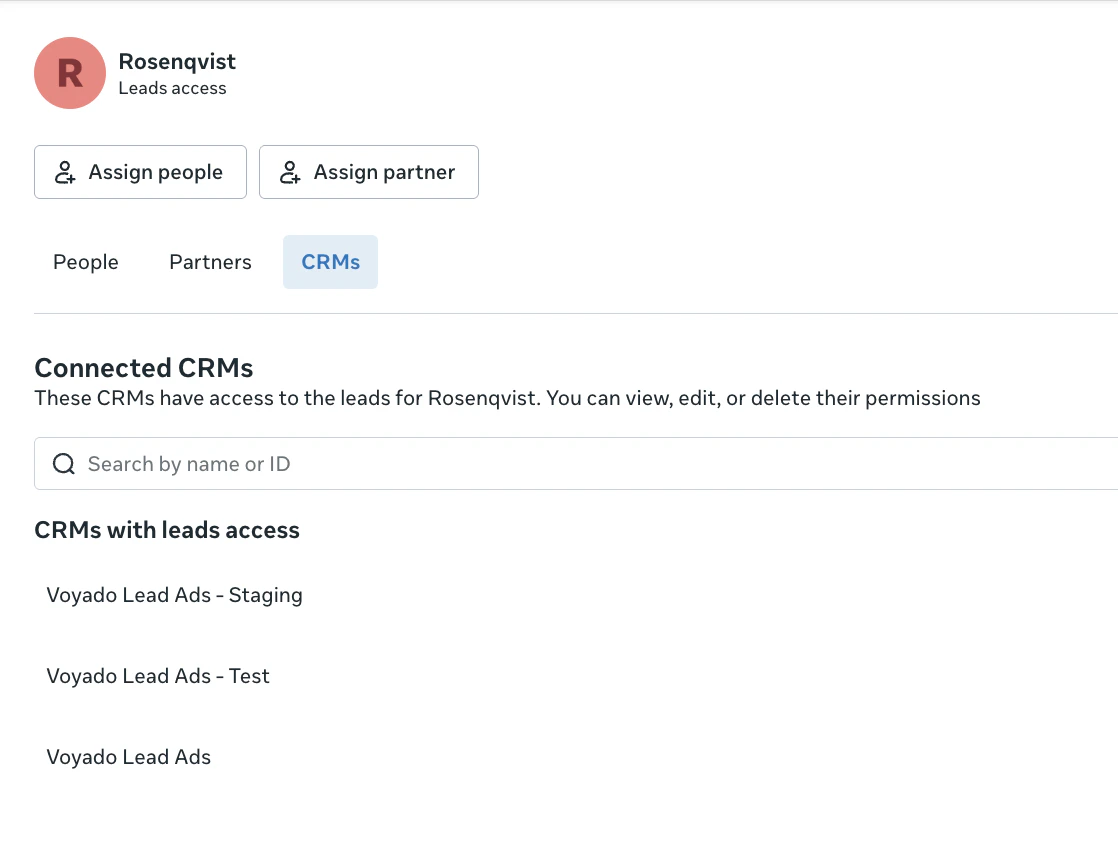
- Head to the Facebook Business page -> Settings -> Integration -> Lead ads -> CRM and make sure “Voyado Lead Ads app” is selected