IMPORTANT: We're updating product naming across our documentation. Engage is now Customer Engagement and Elevate is now Product Discovery. This doesn't change Voyado's services, functionality, or terms of your agreement. Be aware as these changes happen that you may see both the old and new names being used.
This article covers the flow for the Vipps Login product.
The minimum age to use Vipps is 15, but it is possible that in your Engage configuration a higher minimum age has been set. In this case, be aware that data coming in from Vipps won’t be saved in Engage.
1
Signup
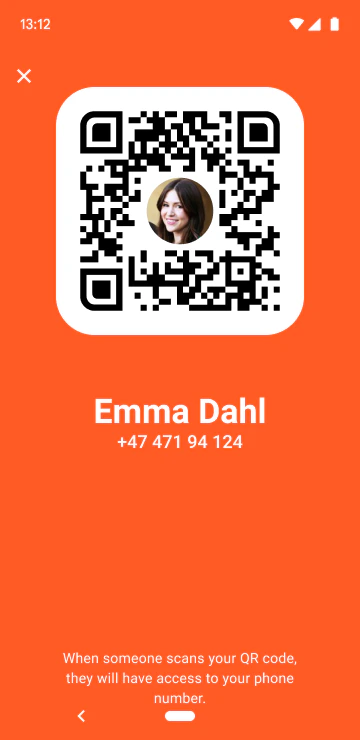
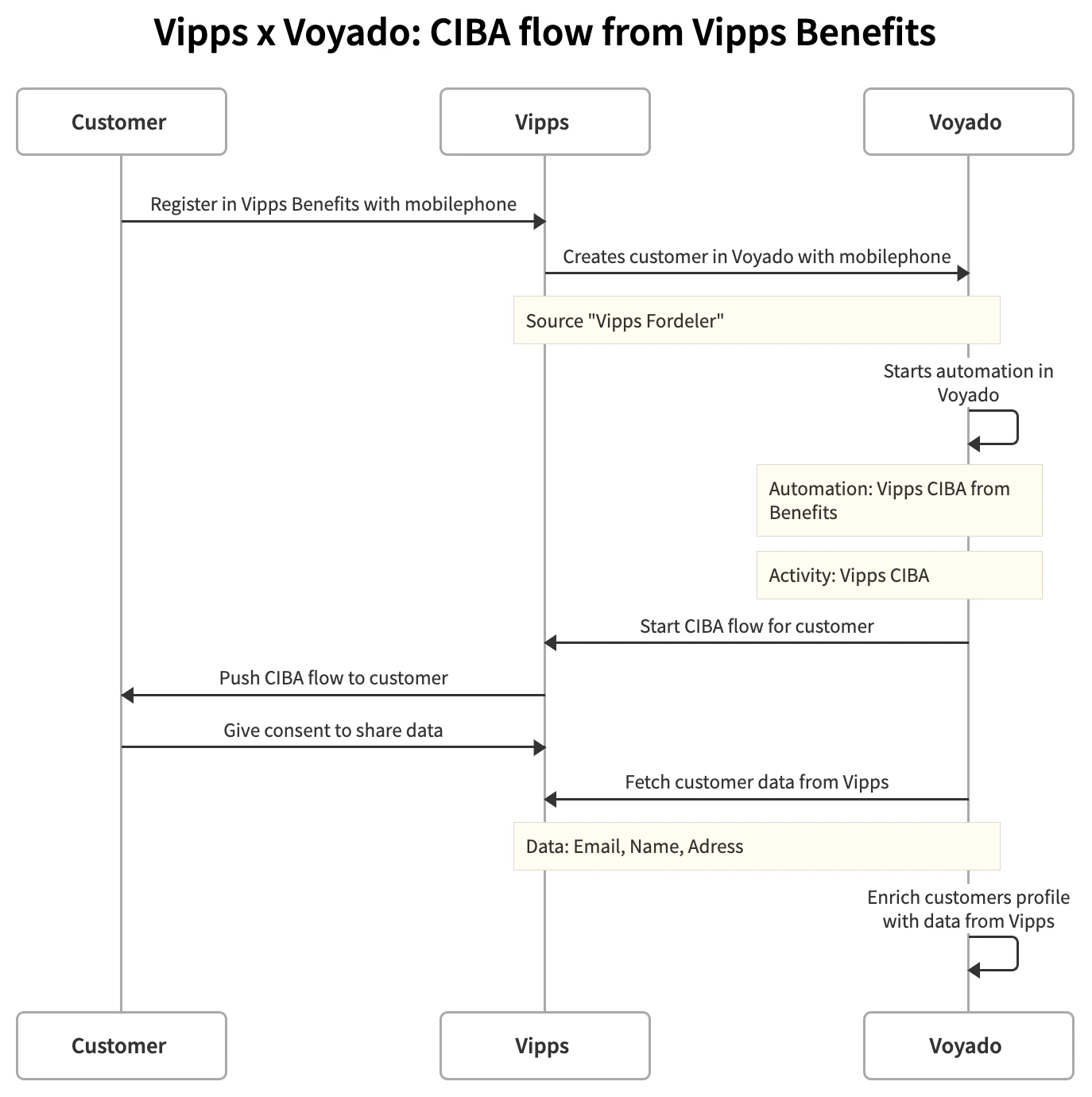
To be able to use Vipps with Engage, the customer first need to sign up.This is done through what is technically known as a CIBA (Client Initiated Backchannel Authentication) and this process starts when the customer displays the identifying QR-code on the Vipps app on their phone in-store.
The QR code
2
Create contact
Once the QR-code is scanned by the POS, the customer’s mobile number is fetched and displayed. The customer will then be created as a contact in Engage through the integration between the POS and Engage.
Vipps will never create the customer in Engage; that is done by the POS.
3
Onboarding automation
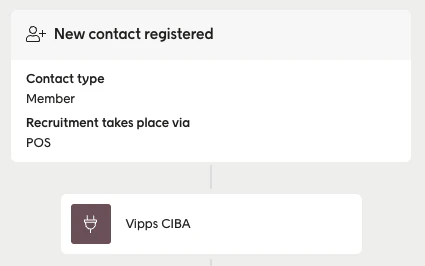
Once the customer is created in Engage, a custom activity will trigger the onboarding flow that’s been set up in Engage’s automation tool:
New contact registered automation
4
App push
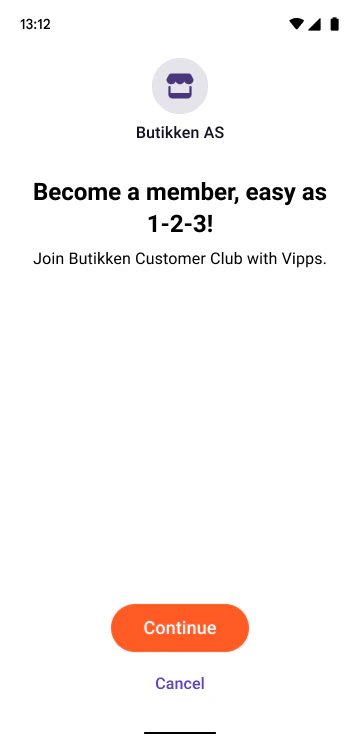
Engage then triggers an app push to Vipps to ask the customer to share data with the merchant:
The app push
Information shared
5
Give consent
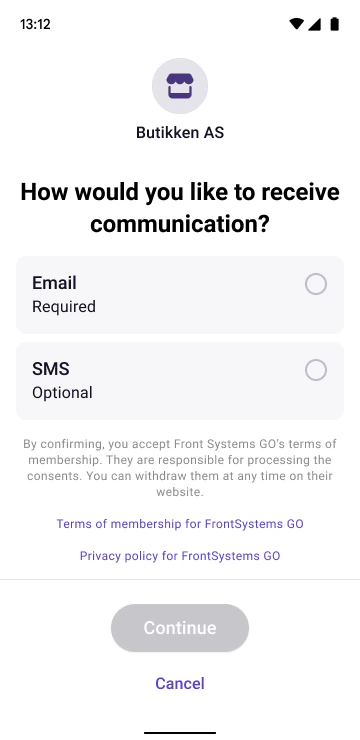
If the customer proceeds, they choose which consents (if any) they want to give.
Consents request
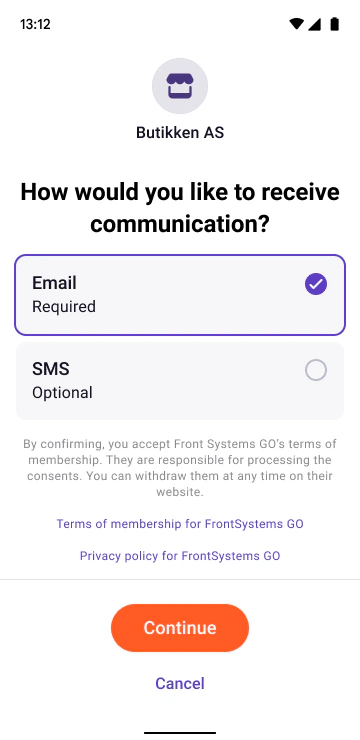
This customer has accepted to be contacted by email:
Giving email consent
6
Consents are synced
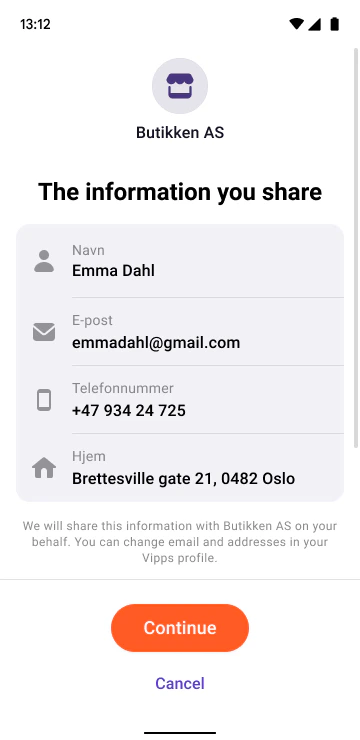
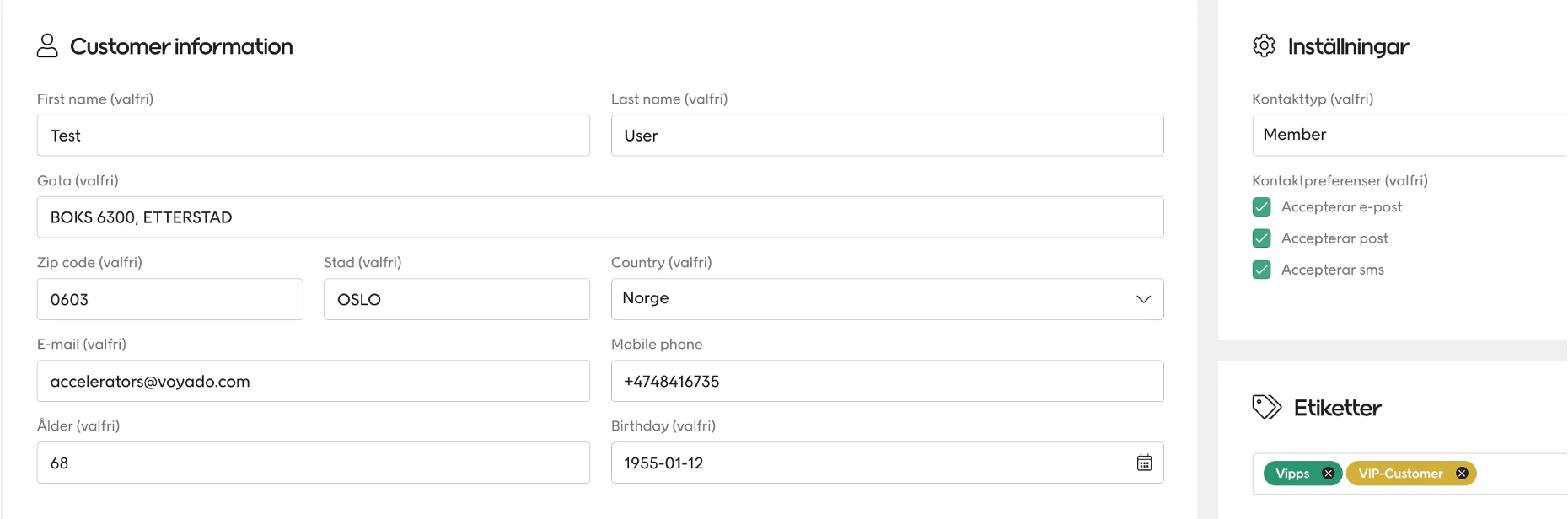
When the customer selects “Continue” their consents and data are synced to Engage:
Information shared
This following video showing the connection between Vipps and Engage: