

1: When webhook is disabled
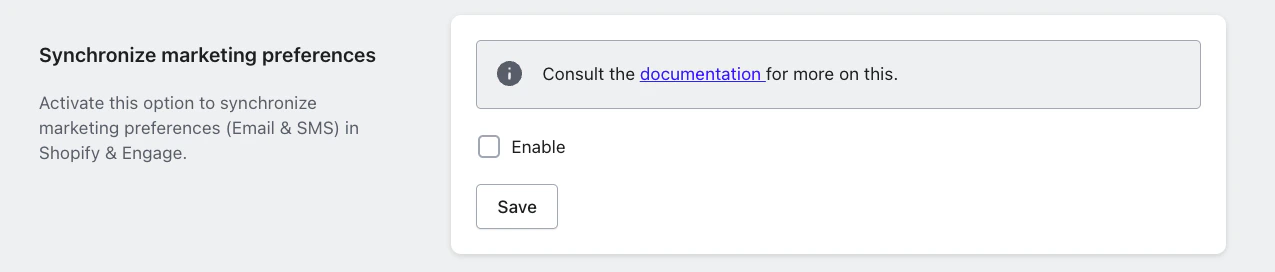
Syncing with webhook disabled
A) Contact does not already exist in Engage
A) Contact does not already exist in Engage
When:
- A customer does not exist in Engage
- And they place an order in Shopify
- A contact will be automatically created in Engage
- The
acceptsEmailvalue will be set to the marketing preference value in the Shopify order
B) Contact exists in Engage with acceptsEmail = false
B) Contact exists in Engage with acceptsEmail = false
When:
- A customer with marketing preference of “true” places an order in Shopify
- And they already exists in Engage with
acceptsEmail= “false”
- The
acceptsEmailvalue will be updated to “true” in Engage
C) Contact exists in Engage with acceptsEmail = true
C) Contact exists in Engage with acceptsEmail = true
When:
- A customer with marketing preference of “false” places an order in Shopify
- And they already exists in Engage with
acceptsEmail= “true”
- The
acceptsEmailfield is omitted in the update payload - The value in Engage remains “true” (meaning that no downgrade occurs)
2: When webhook is enabled
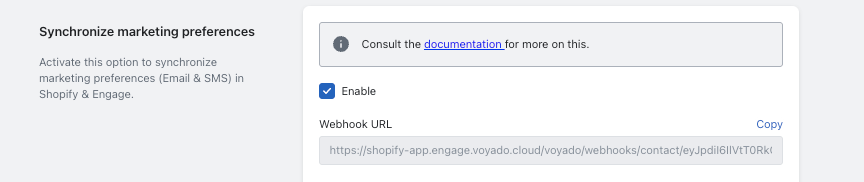
Syncing with webhook enabled
- We listen to all email marketing preference updates
- Changes are synchronized more dynamically between systems
- Preference updates can override existing values depending on the event type
A) Contact already in Engage when Shopify account is created
A) Contact already in Engage when Shopify account is created
When:
- The customer creates a new Shopify account with email marketing preference set to “false”
- A contact already exists in Engage, having been created via another system, with
acceptsEmail= “true”
- We omit the
acceptsEmailfield when updating the contact in Engage - This means the
acceptsEmailvalue will remain “true”
acceptsEmail during contact creation when marketing preference is “false”.B) Contact exists in both systems with different preferences
B) Contact exists in both systems with different preferences
When:
- In Shopify the marketing preference is “false”
- In Engage the
acceptsEmailvalue is “true” - The customer changes their marketing preference on their Shopify account pages (“My Pages”)
- The update payload from Shopify will includes the marketing preference value (“false”)
- This will override the value in Engage so that
acceptsEmailwill now be “false”
Important exception
A “true” value in Engage is only ever downgraded to “false” when the customer changes the preference themselves on their Shopify account pages, and only when preference sync is enabled. In particular:- With preference sync disabled, a “true” in Engage is never overwritten with “false”.
- A marketing preference of “false” at customer creation does not downgrade an existing “true”.
- Placing an order with the marketing checkbox cleared does not downgrade an existing “true”.
Pre-selected opt-in
Voyado does not recommend using Shopify’s pre-selected opt-in behaviour, where the marketing consent checkbox in the checkout is ticked by default.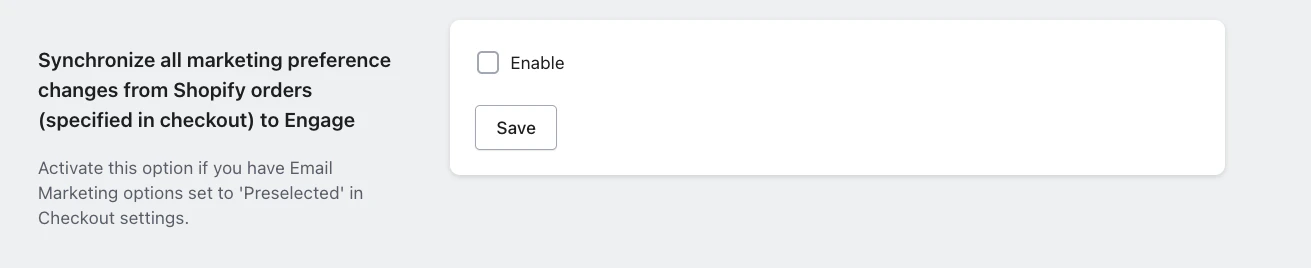
Pre-selected opt-in setting
If you do use pre-selected opt-in
The recommendation above is about Shopify’s checkout configuration, not about the app. If your Shopify Checkout settings do have Email Marketing options set to Preselected, then you must enable the corresponding setting in the app: Settings → Synchronize all marketing preference changes from Shopify orders (specified in checkout) to Engage Without it, the consent a customer gives in the checkout will not reach Engage — which is worse than the inconsistency the recommendation is trying to avoid.Key recommendations
During onboarding, it is essential to:- Audit and align all email marketing preferences between systems
- Decide whether the webhook should be enabled based on the desired source of truth
- Clearly define whether Shopify or Engage should control opt-in logic going forward