Alert settings
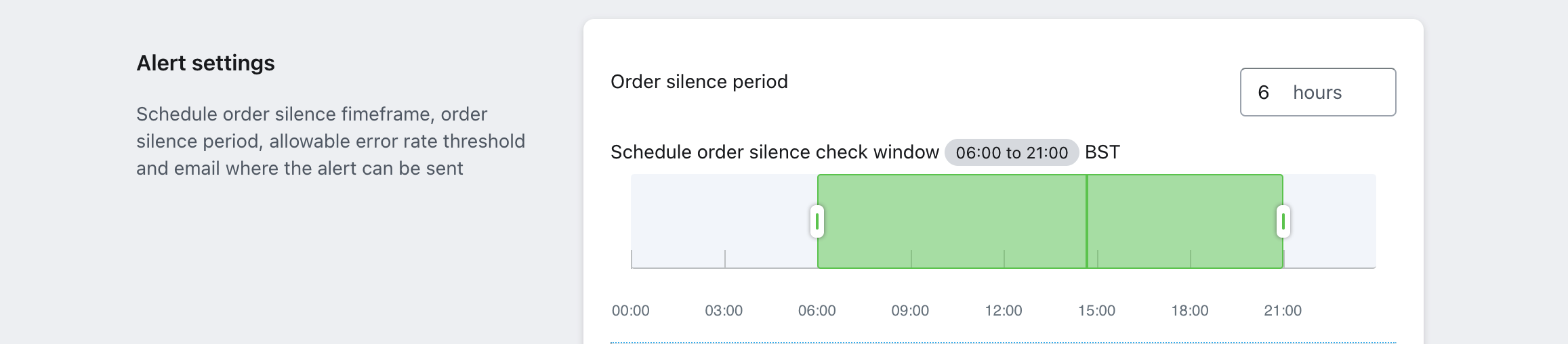
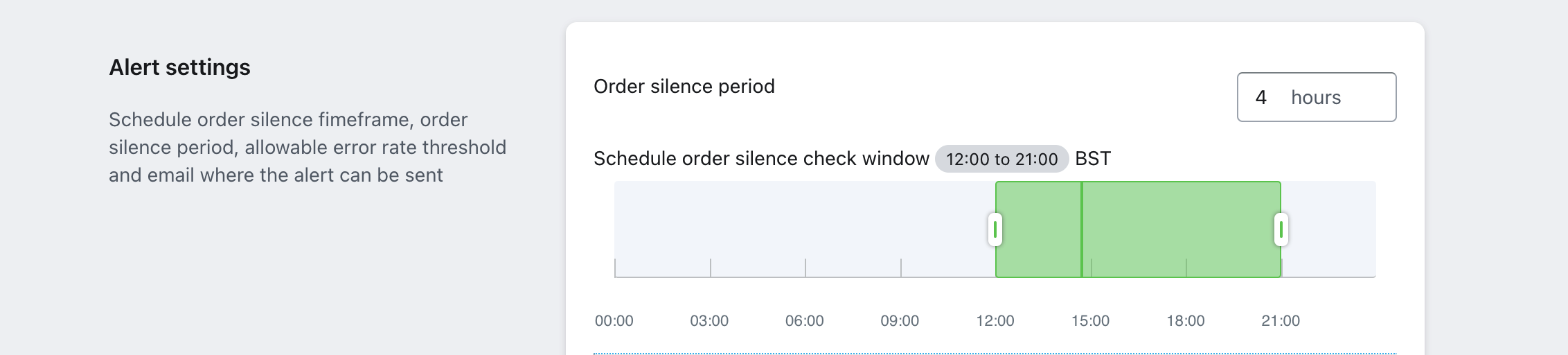
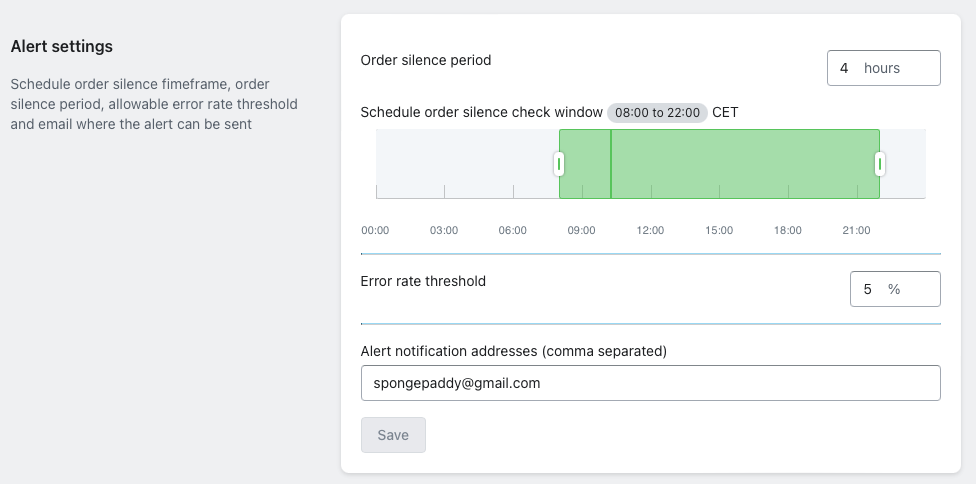
In this section in the app you are able to specify a span of time inside a certain time window. If no orders are received inside that time, it might be that something has gone wrong in the data or the connection, and a warning is then sent out the emails that have been subscribed to it. Outside of the specified check window, no alert will be raised. This is how the service is configured in the app:
Example with several stores
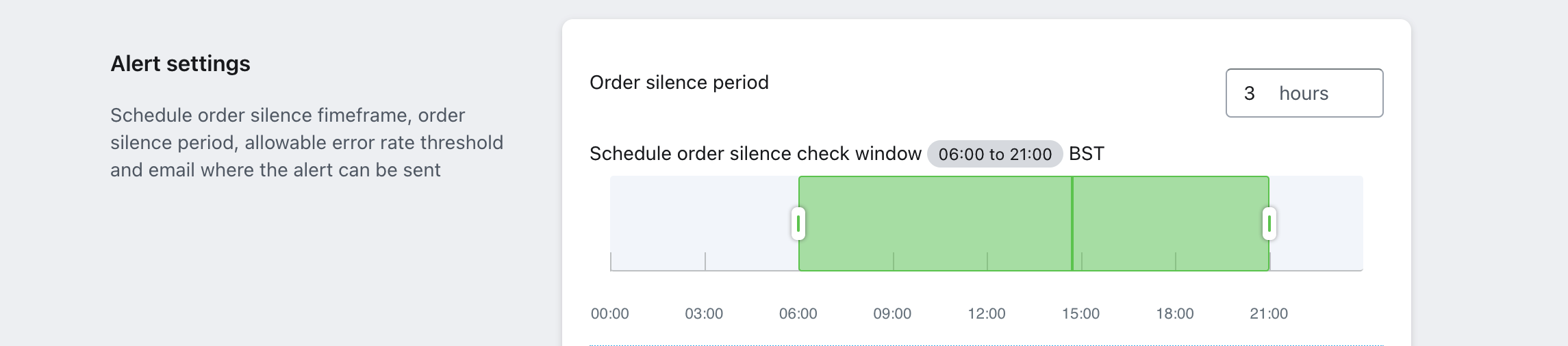
In this example the user has connected several stores to their Engage account:| Value name | Store 1 | Store 2 | Store 3 |
|---|---|---|---|
| Approx orders per day | 10 | 100 | 1000 |
| Average first order time | 06:00 | 12:00 | 06:00 |
| Average last order time | 21:00 | 21:00 | 21:00 |
Store 1
Store 1

Store 2
Store 2

Store 3
Store 3
Task monitoring
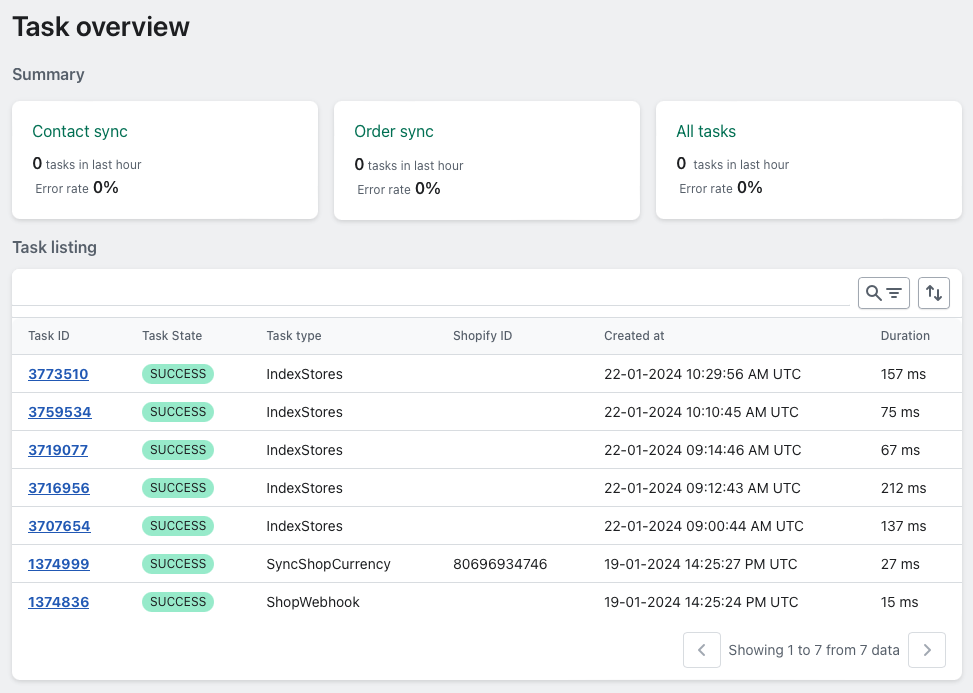
You can access the task monitoring service under Task overview in the left-hand menu in your Shopify store, under the settings for your Voyado Engage app. The task monitoring service page itself looks like this:
Summary section
In the top sections you can see basic stats for “Contact sync”, “Order sync” and “All tasks”. The stats displayed here will always be based on all the available data. They will not be dynamically updated based on whatever filters you add in the following “Task listing” section.Task listing section
In the second section, “Task listing”, you can see an expanded view of the tasks (all transfers of data) sent between your Voyado Engage app for Shopify and your Engage environment. This interface allows an individual task to be selected to view all properties about it, excluding the associated task data. The listing presents a summary of a task’s properties:- Task ID (unique for each task)
- Task State (Success, Error, Pending)
- Task type
- Shopify Entity ID
- Created at
- Duration (ms)
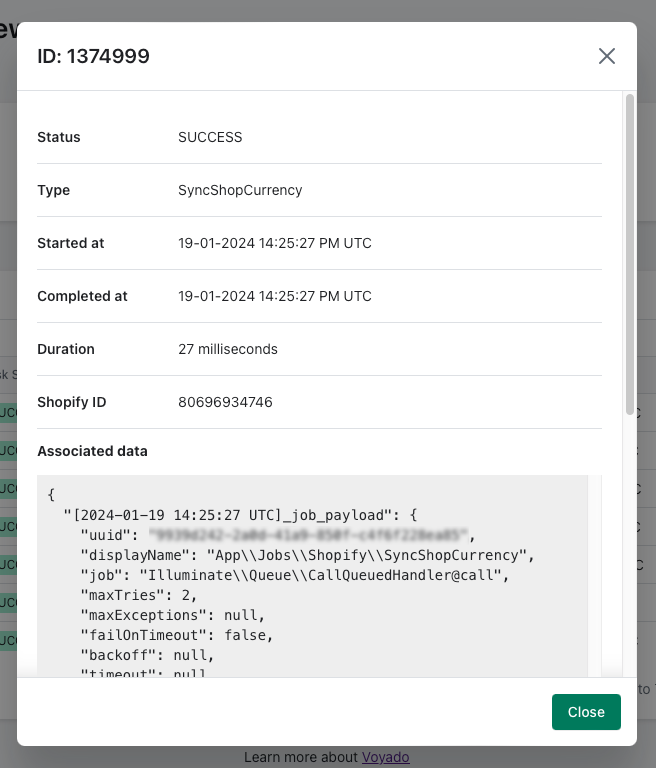
- Created at
- Started at
- Completed at
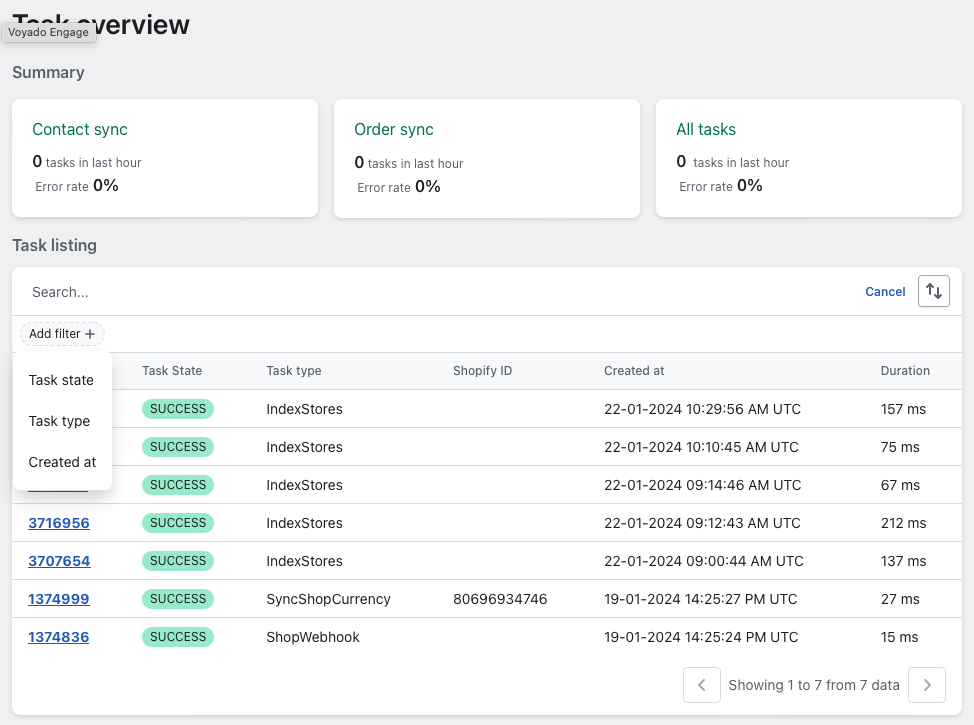
- Task ID
- Shopify Entity ID
- Voyado Engage Entity ID
- Task type (See Task Translations)
- Task state (Success, Error, Pending)
- Created at (UTC Timezone)
Viewing a task
By clicking on the ID, you can open up a task and see it in more detail, including the exact data that was sent.
All task types
Below are the different types of tasks that can turn up in the task listing.Data import tasks
| Task type | Description |
|---|---|
| ProcessBulkImportData | When the app initiates processing of bulk import data. |
| HandleBulkImportCreateRequest | When the merchant initiates a bulk import process from settings within the app. |
| HandleBulkImportCreate | When the app initiates a bulk import create in Shopify. |
| HandleBulkOperationFinish | When the app initiates handling a bulk operation finished by Shopify. |
| BulkOperationFinishWebhook | When Shopify finishes a bulk operation and the app receives this webhook. |
| TriggerNextBatch | When the app initiates a consecutive bulk import action. For example, triggering order bulk import action after the customer bulk import finishes. |
Customer sync tasks
| Task type | Description |
|---|---|
| CustomerWebhook | On creation or update of customer in Shopify, the app receives this webhook. |
| IndexShopCustomers | When the app initiates timestamp based customers polling for customer indexing for each shop. |
| IndexCustomer | When a customer is created or updated. |
| SyncContact | When app initiates a customer sync to Engage. |
| UpdateCustomerMarketingPreferences | When the app initiates a sync of marketing preferences from Shopify to Engage. |
| SyncCustomerMarketingPreferences | When the app initiates sync of marketing preferences from Engage to Shopify. |
Order sync tasks
| Task type | Description |
|---|---|
| OrderWebhook | Upon creating or update of an order in Shopify the app receives this webhook. |
| IndexOrder | When a customer is created or updated in the app’s database. |
| FulfillmentWebhook | On fulfillment create in Shopify, the app receives this webhook. |
| IndexOrders | When the app initiates timestamp based orders polling for order indexing for each shop. |
| SyncOrder | When the app initiates order sync to Engage via a POST to the /receipts endpoint. |
| SyncOrderFulfillmentNotification | When the app initiates order fulfillment notification sync to Engage via a POST to the /orders endpoint. |
| SyncOrderNotification | When the app initiates order notification sync to Engage via a POST to the /orders endpoint. |
Refund sync tasks
| Task type | Description |
|---|---|
| RefundWebhook | When a refund is created in Shopify the app receives this webhook. |
| IndexRefund | When a refund is created or updated in the app’s database. |
| SyncRefundNotification | When the app initiates an order refund notification sync to Enagae via a POST to the /orders endpoint. |
| SyncRefund | When the app initiates a refund sync to Engage via a POST to the /receipts endpoint. |
Settings tasks
| Task type | Description |
|---|---|
| IndexStores | When an Engage store is created or updated in the app’s database. |
| SyncShopCurrency | When the app initiates a shop currency sync from Shopify to app’s database. |
| ShopWebhook | When a shop is updated in Shopify, the app receives this webhook. |